How to use Kaya
Write down who owes you
A later payment is written down where you are standing. You mark it paid with one tap.
Opens WhatsApp so you can pick who to send it to.
- Step 1
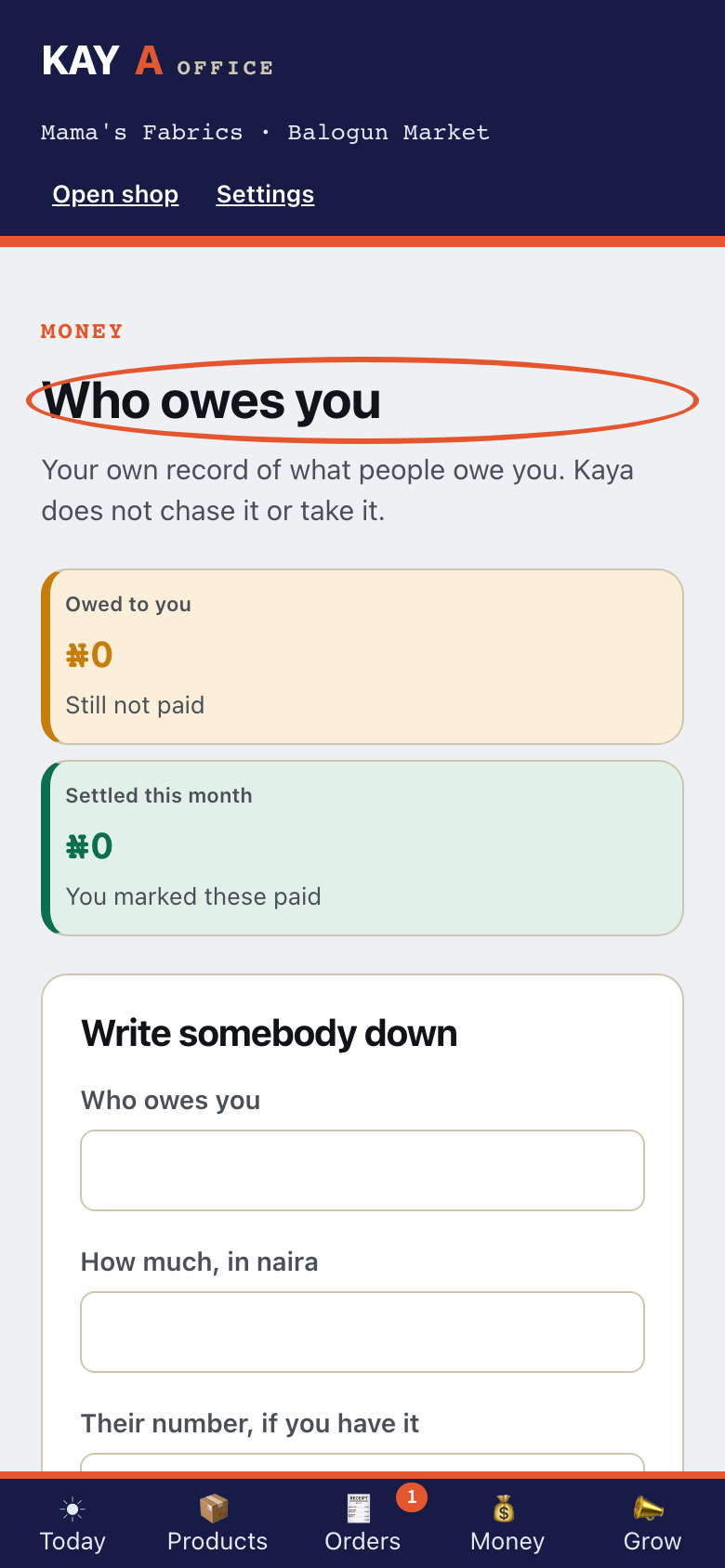
From Money, open Who owes you.
- Step 2
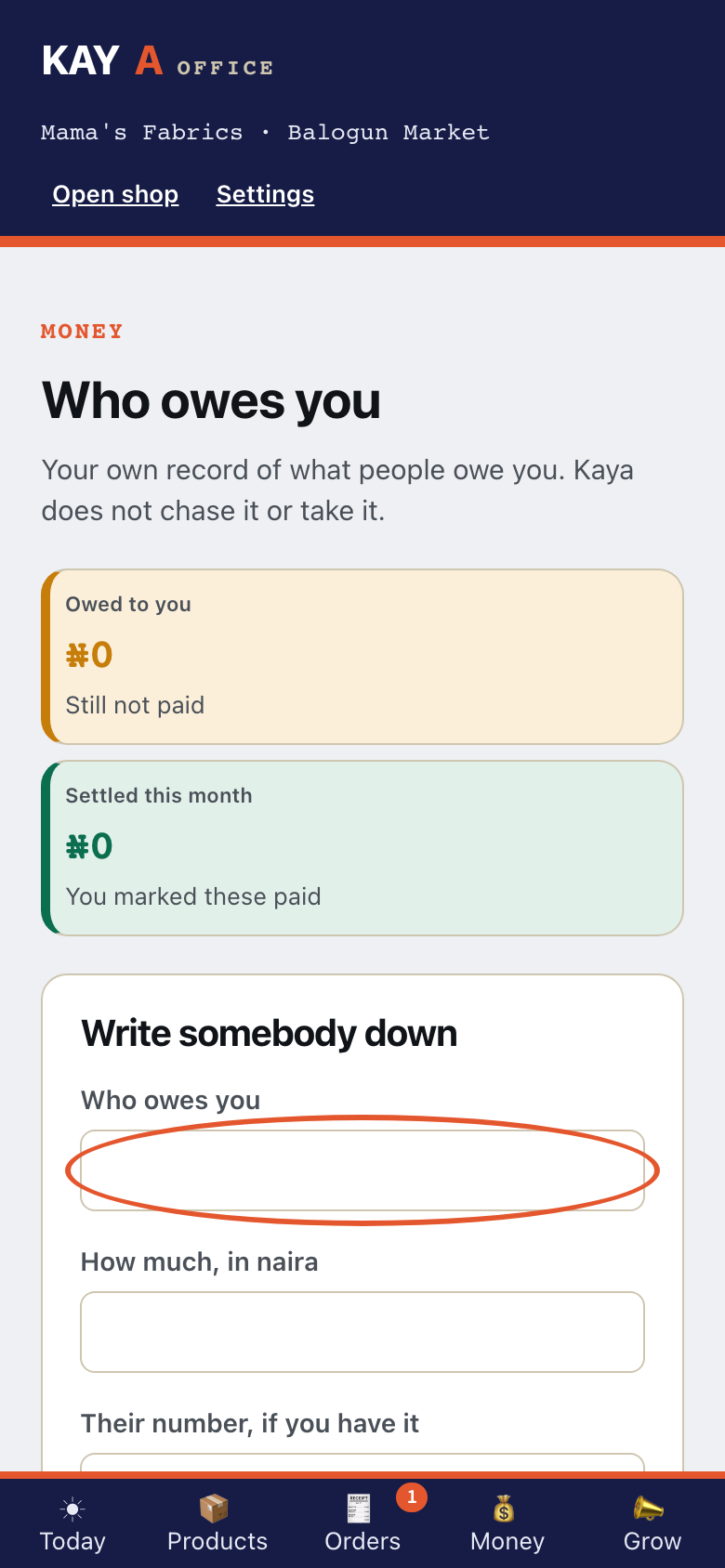
Under Write somebody down, type Who owes you.
- Step 3
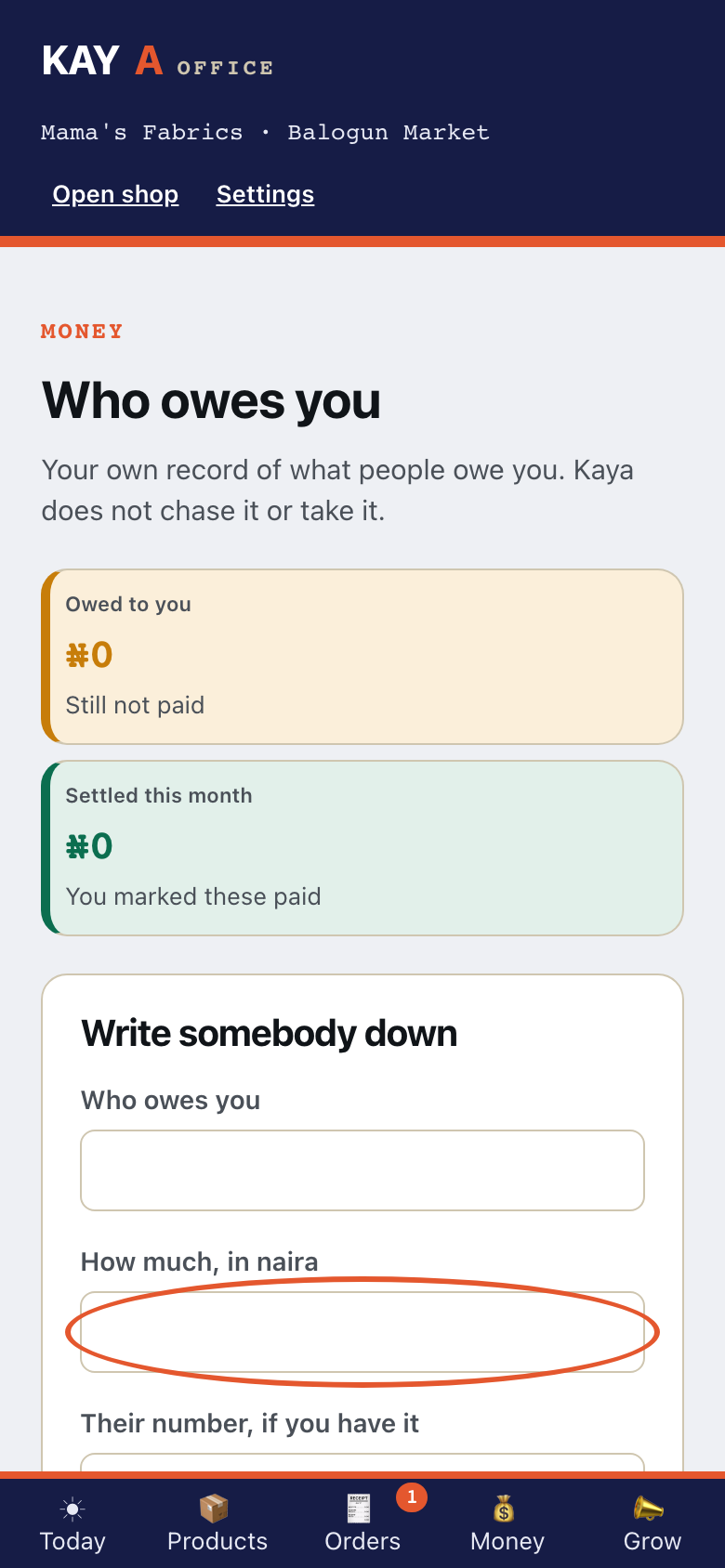
Type How much, in naira.
- Step 4
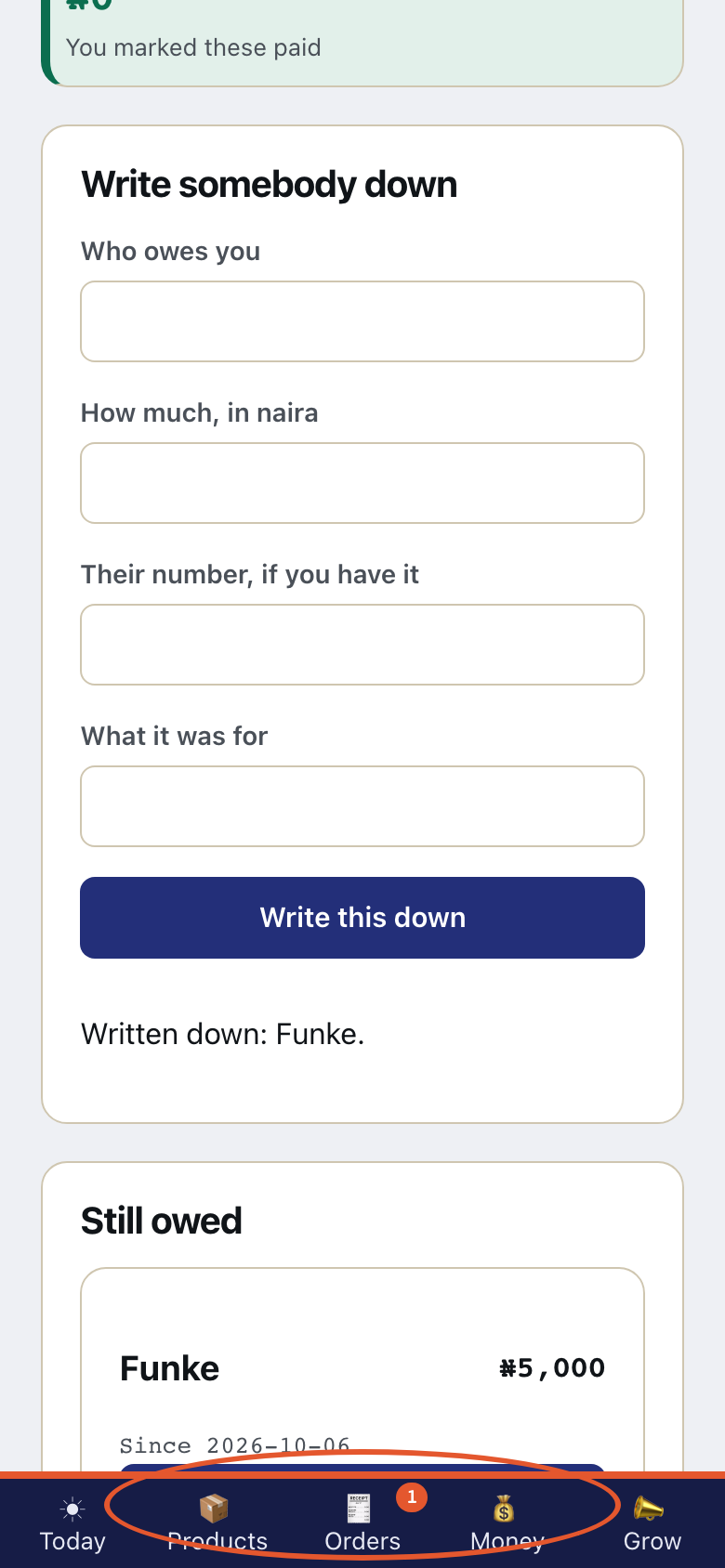
Tap Write this down. The book shows Still owed. Tap Mark settled when they pay.
- Step 5
The first debt is free on every plan. Who owes you, and how much is part of the Trader plan. Kaya is not taking payment for plans yet.
- Step 6
On Telegram, tap 💳 Who owes me. Then tap ➕ Add a debt.
This is what Kaya writes
you💳 Who owes meKayaNobody owes you right now. - Step 7
Who owes you, and how much? Reply like: OWE Chioma 5000
This is what Kaya writes
you➕ Add a debtKayaWho owes you, and how much? Reply like: OWE Chioma 5000 - Step 8
Reply like the line Kaya gave. Then tap ✅ Yes, write it down.
This is what Kaya writes
youOWE Chioma 5000KayaWrite down that Chioma owes you ₦5,000? - Step 9
Kaya writes Written down: Chioma. Then tap ✓ Paid. Kaya writes Marked settled: Chioma.
This is what Kaya writes
KayaWritten down: Chioma.you✓ PaidKayaMarked settled: Chioma.