How to use Kaya
What Kaya is
One photo becomes a shop page customers can buy from. They install no app. You keep your stock, your money and your customers. Kaya keeps the record.
Opens WhatsApp so you can pick who to send it to.
- Step 1
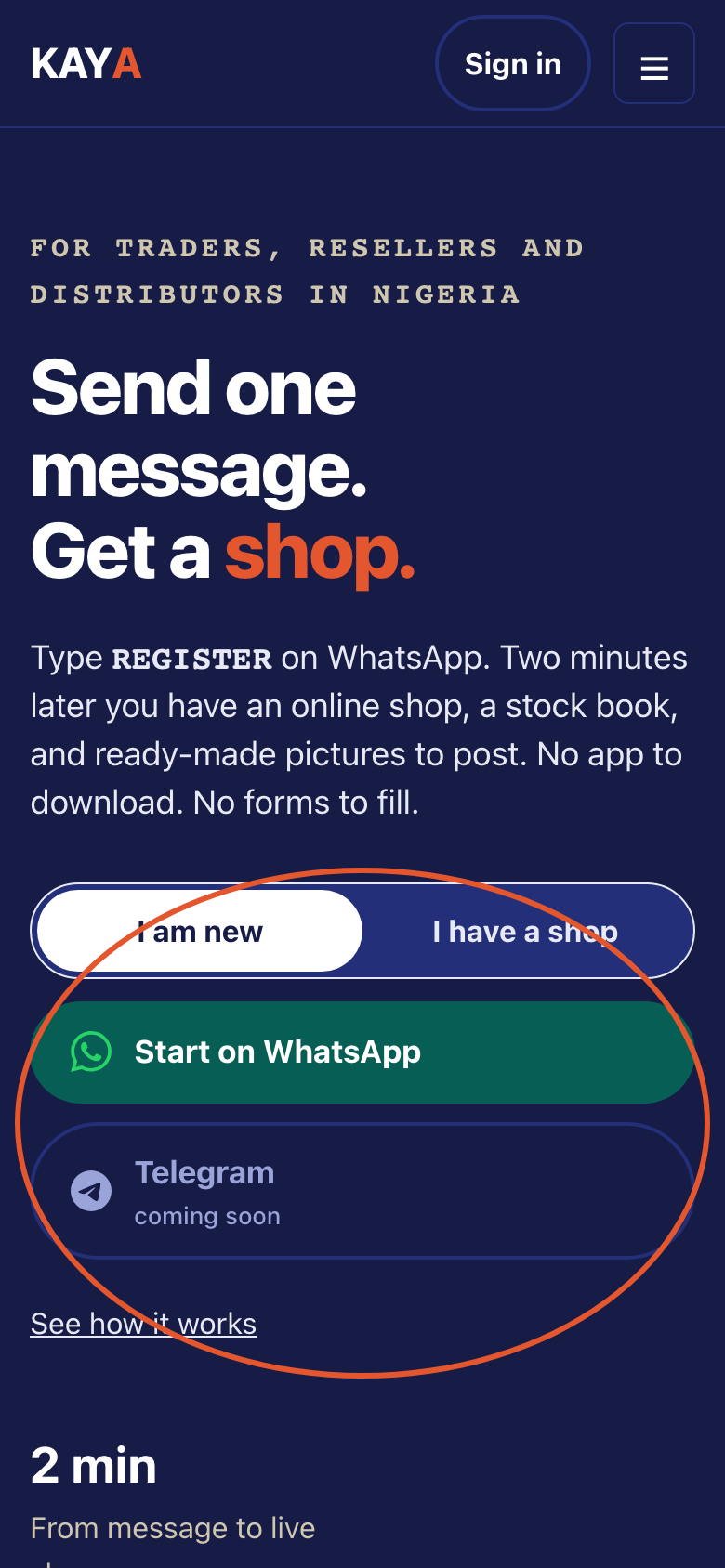
Open kaya.sabidesk.cloud on your phone. One message starts a shop. Customers buy from a link.
- Step 2
Kaya does not hold your stock. Kaya does not hold your money. Kaya does not take goods to your buyers.
- Step 3
Pick a way in. Use WhatsApp, Telegram, or your number and PIN.
- Step 4
Read the three plans. They are the Free plan, the Trader plan and the Shop plan. Kaya is not taking payment for plans yet.
- Step 5
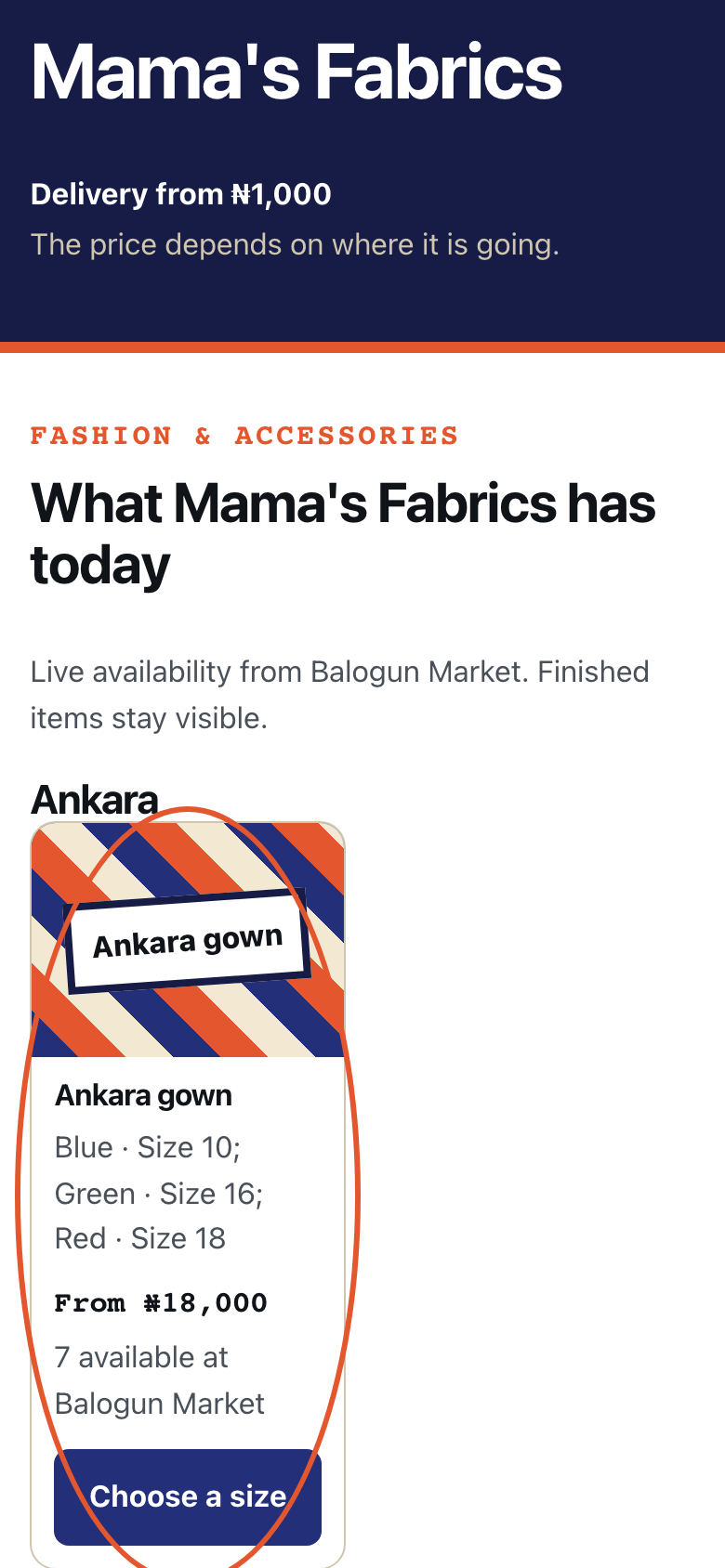
Open a live shop page. Tap the first item. This shop has no photographs, so Kaya shows a plain box where the photo will go.
- Step 6
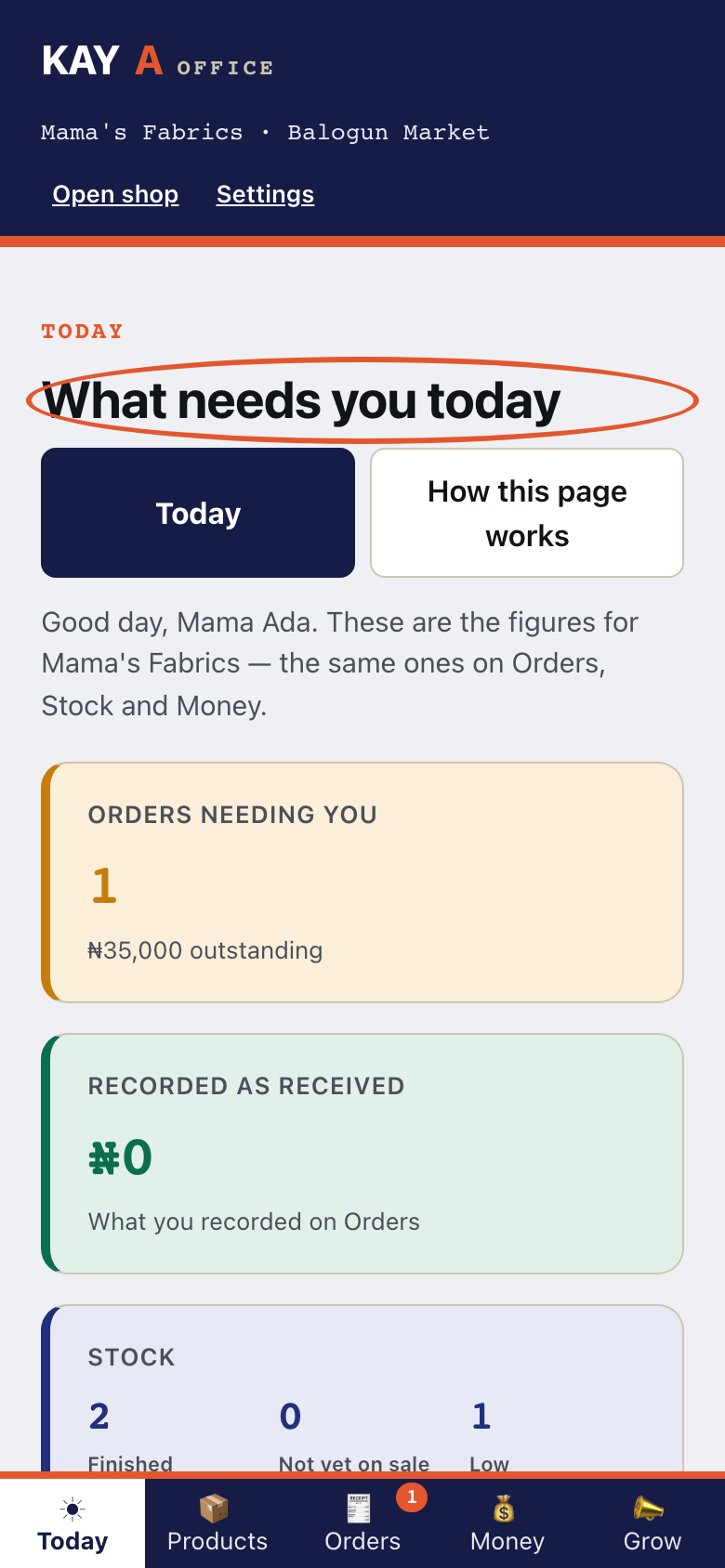
Open your Office. The Today page shows what needs you.