How to use Kaya
All chapters
The three plans
Know what stays free, what the first trial opens and what each plan adds.
Send on WhatsApp
Opens WhatsApp so you can pick who to send it to.
What each plan opens
Trader plan
- Grouping your products into sections
- What each size makes you
- More than one size on a product
- Recording a phone or walk-in sale
- Naming a delivery area with its own charge
- Share cards and the captions you write
- What is working, the taps on each link
- Listing more products
- Who owes you, and how much
Shop plan
- What your goods are worth
- Counting your whole shelf
- The QR poster for your door
- A price list you can print
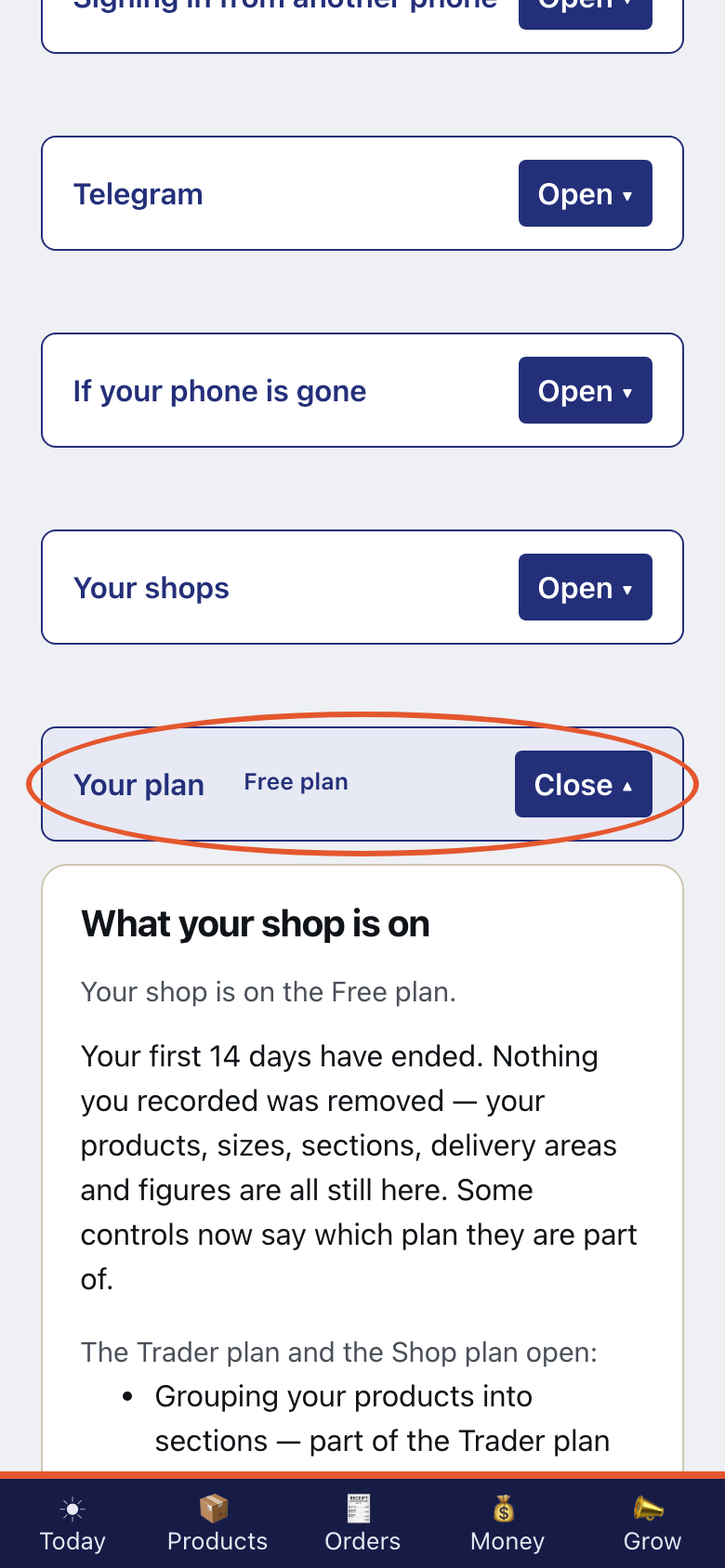
- Step 1
Open Settings. Open What your shop is on.
- Step 2
Your shop is on the Free plan.
- Step 3
Read the Free plan, the Trader plan and the Shop plan.
- Step 4
Your first 14 days open every paid feature.
- Step 5
Read What each plan opens below. Kaya builds this list from the same rules as its walls.
- Step 6
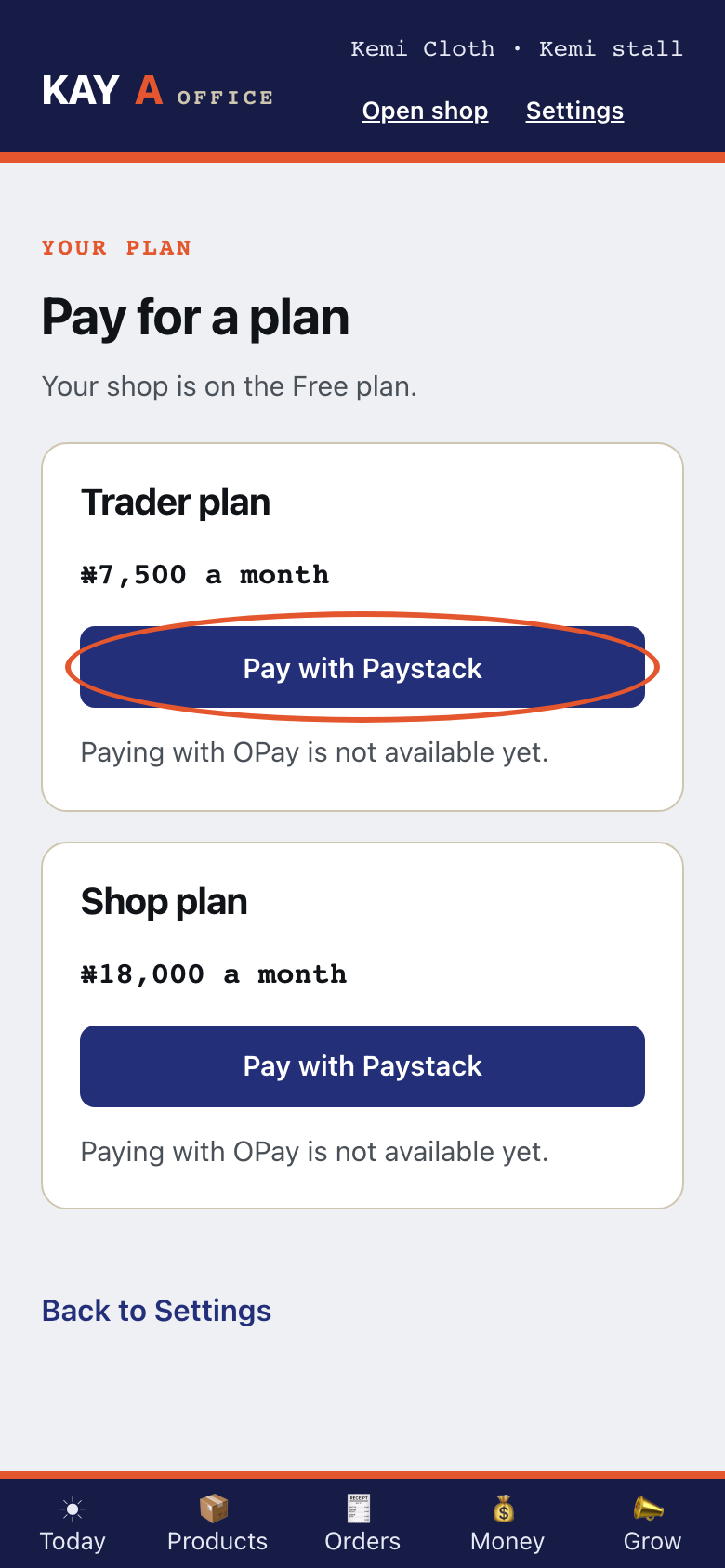
Open Pay for a plan. Choose Pay with Paystack when you are ready.
- Step 7
That payment has not gone through. Your plan has not changed, and nothing was taken.