How to use Kaya
All chapters
Sell one thing at the stall
Three taps or one number, and your stock and your money are right.
Send on WhatsApp
Opens WhatsApp so you can pick who to send it to.
- Step 1
On WhatsApp, send MENU as its own message.
This is what Kaya writes
youMENUKayaWhat are we selling?KayaSend a number from this list. - Step 2
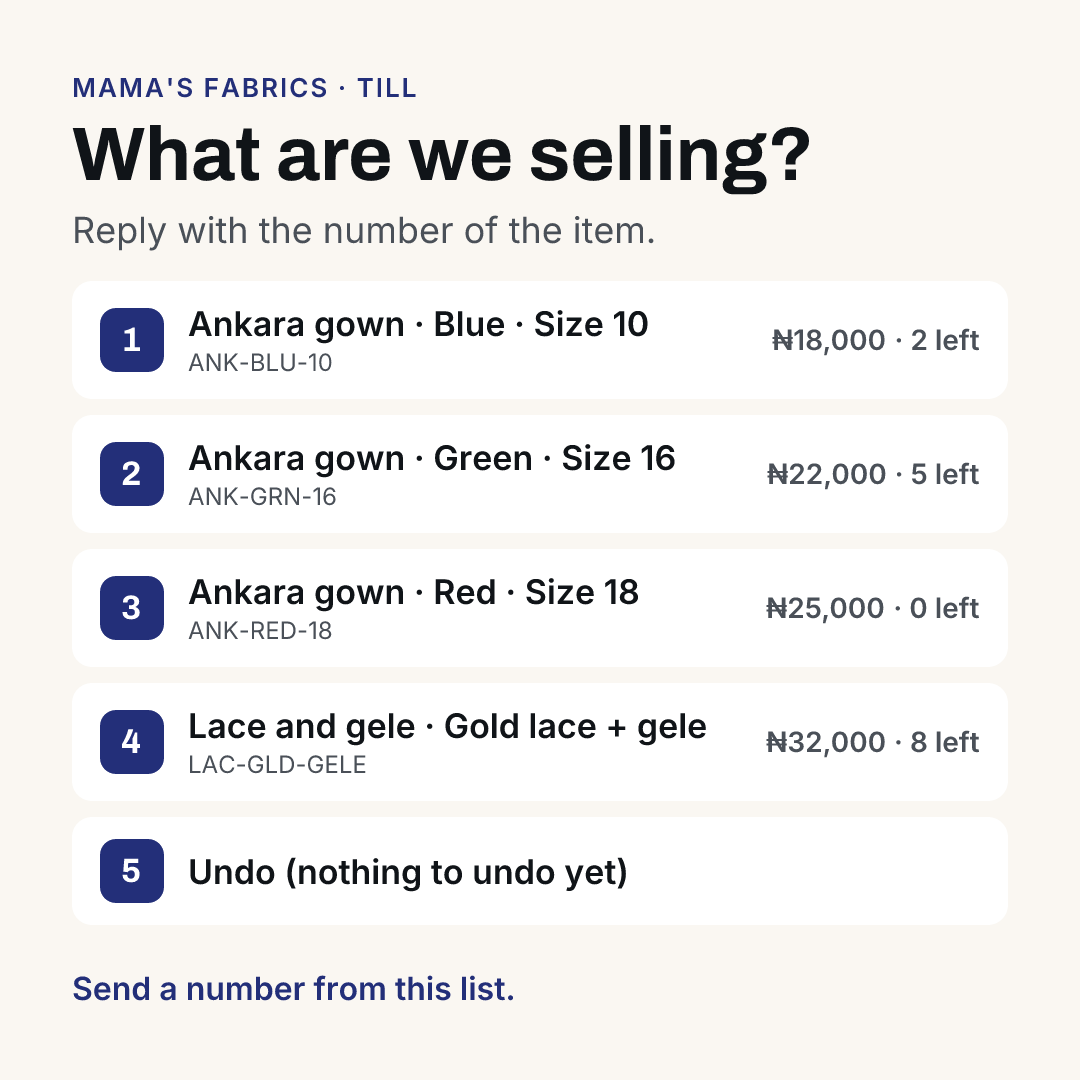
Kaya sends the menu slip. Reply the number, or on Telegram tap the item.
This is what Kaya sends, and the buttons under it
- Step 3
Tap ✅ Yes, sold when the sale is real. Do not tap it on this page. Nothing was recorded.
This is what Kaya writes
Kaya✅ Yes, sold - Step 4
Tap ✖ Cancel if it was a mistake. Or tap 💰 Sell another. Undo my last sale is on the menu.
This is what Kaya writes
Kaya💰 Sell anotherKayaUndo my last sale - Step 5
On Telegram, tap 💰 Sold one. The six buttons stay under every reply.
This is what Kaya writes
you💰 Sold one🏢 My Office📊 Today💰 Sold one💳 Who owes me📣 Share my shop📦 What's finishing - Step 6
Kaya takes no money and settles none. You tap ✅ Yes, sold when you have been paid.