How to use Kaya
All chapters
Record the money
The order moves to paid, the sale comes off your stock, and the Money page shows it. Nothing happens until you say so.
Send on WhatsApp
Opens WhatsApp so you can pick who to send it to.
- Step 1
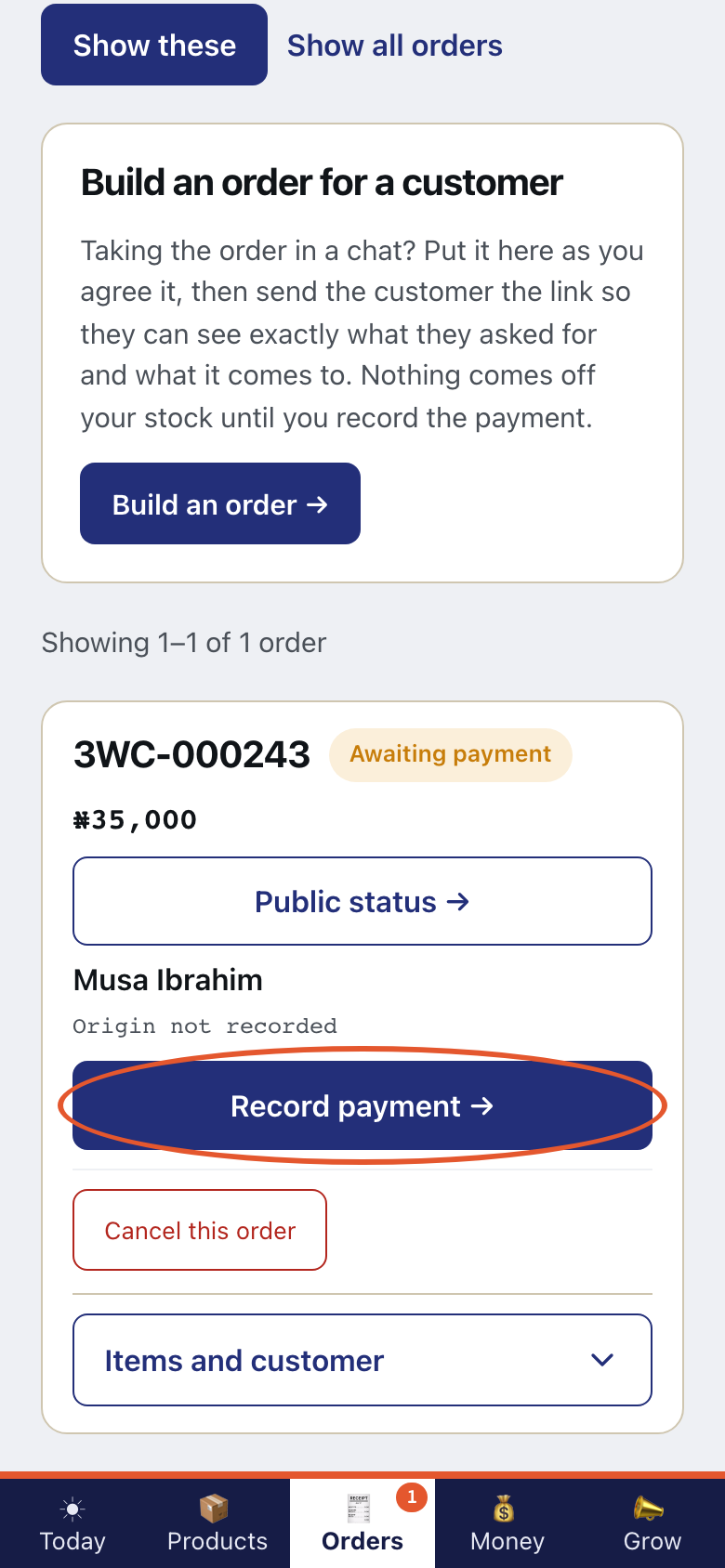
Open Orders. Search for the order. Tap Record payment →.
- Step 2
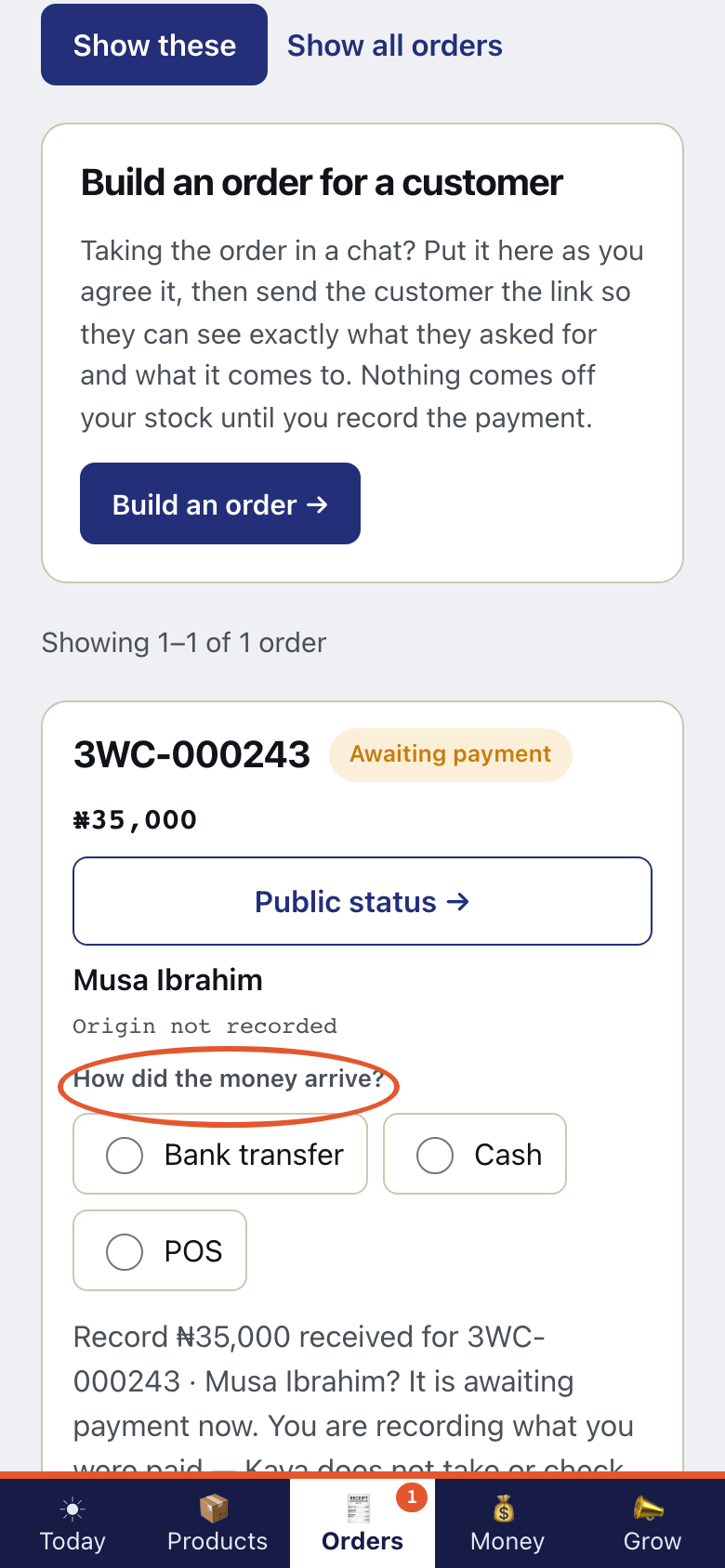
How did the money arrive? Pick Bank transfer, Cash or POS.
- Step 3
Kaya takes no money and settles none. Record that money arrived on Orders. Nothing comes off your stock until then.
- Step 4
On Telegram, tap ✅ Money arrived. Then pick how it came.
This is what Kaya writes
you✅ Money arrivedKayaHow did the money come? - Step 5
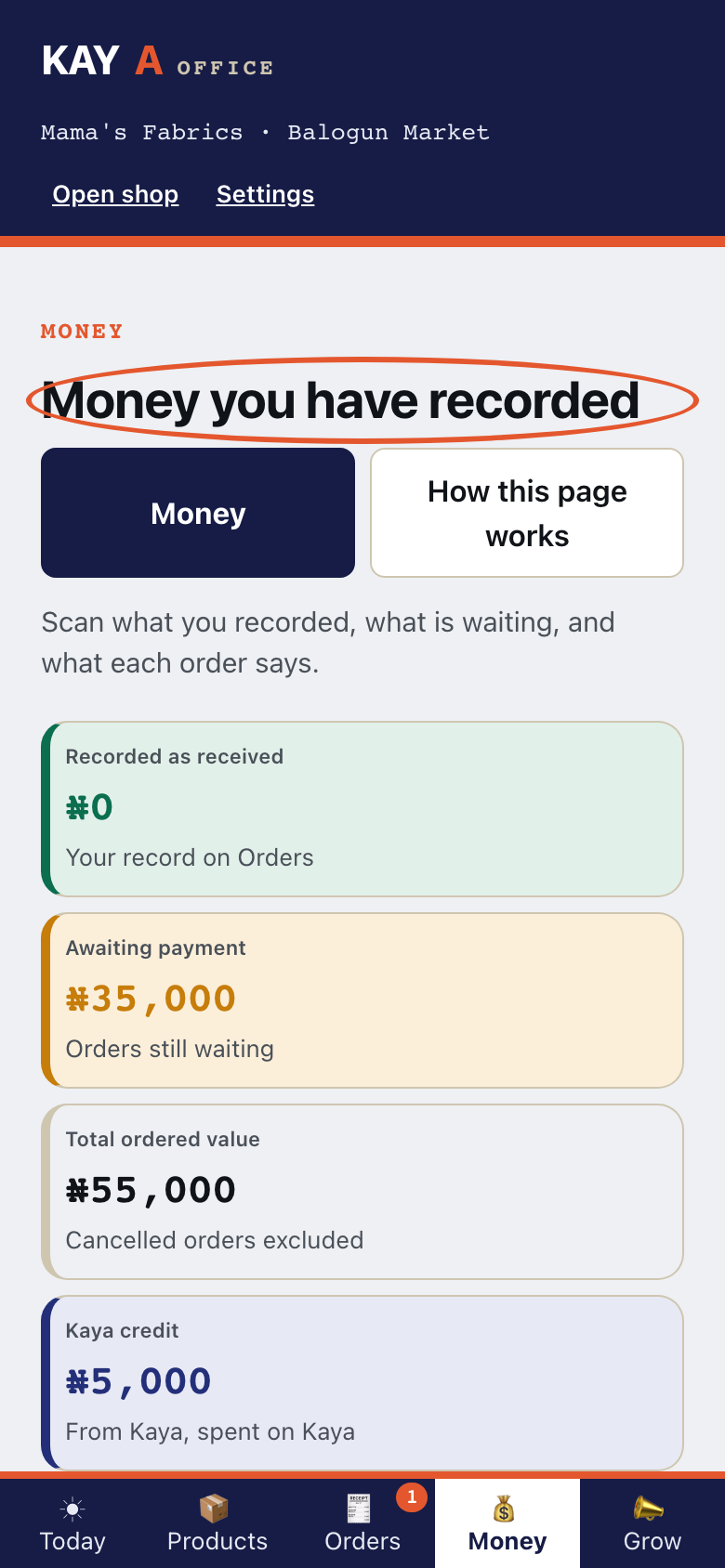
Open Money. Look at Money you have recorded.