How to use Kaya
All chapters
Add stock, count your shelf, know what it is worth
The number on the shelf and the number in Kaya agree. A stock question has one answer.
Send on WhatsApp
Opens WhatsApp so you can pick who to send it to.
- Step 1
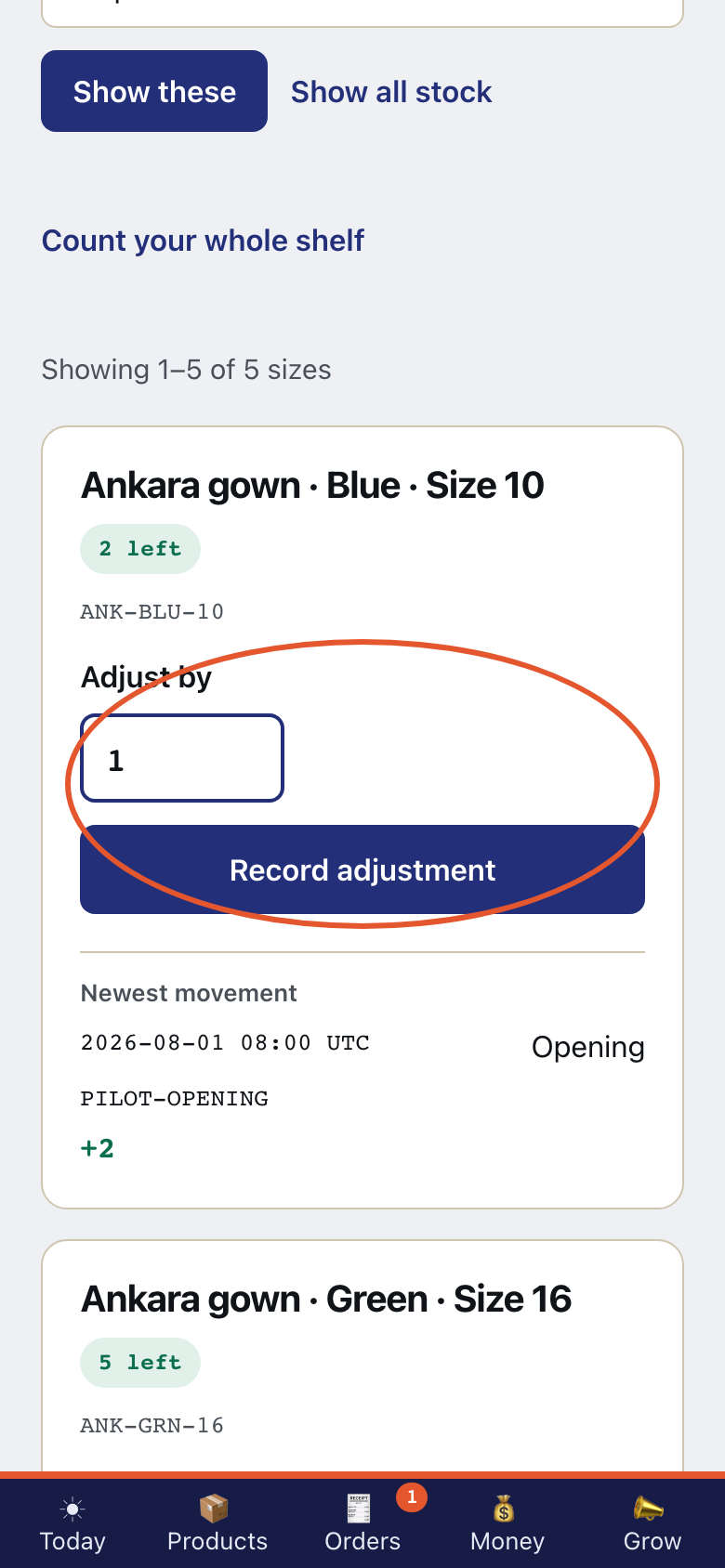
Open one size on Stock. Adjusting stock here is the same action as adjusting it on Today.
- Step 2
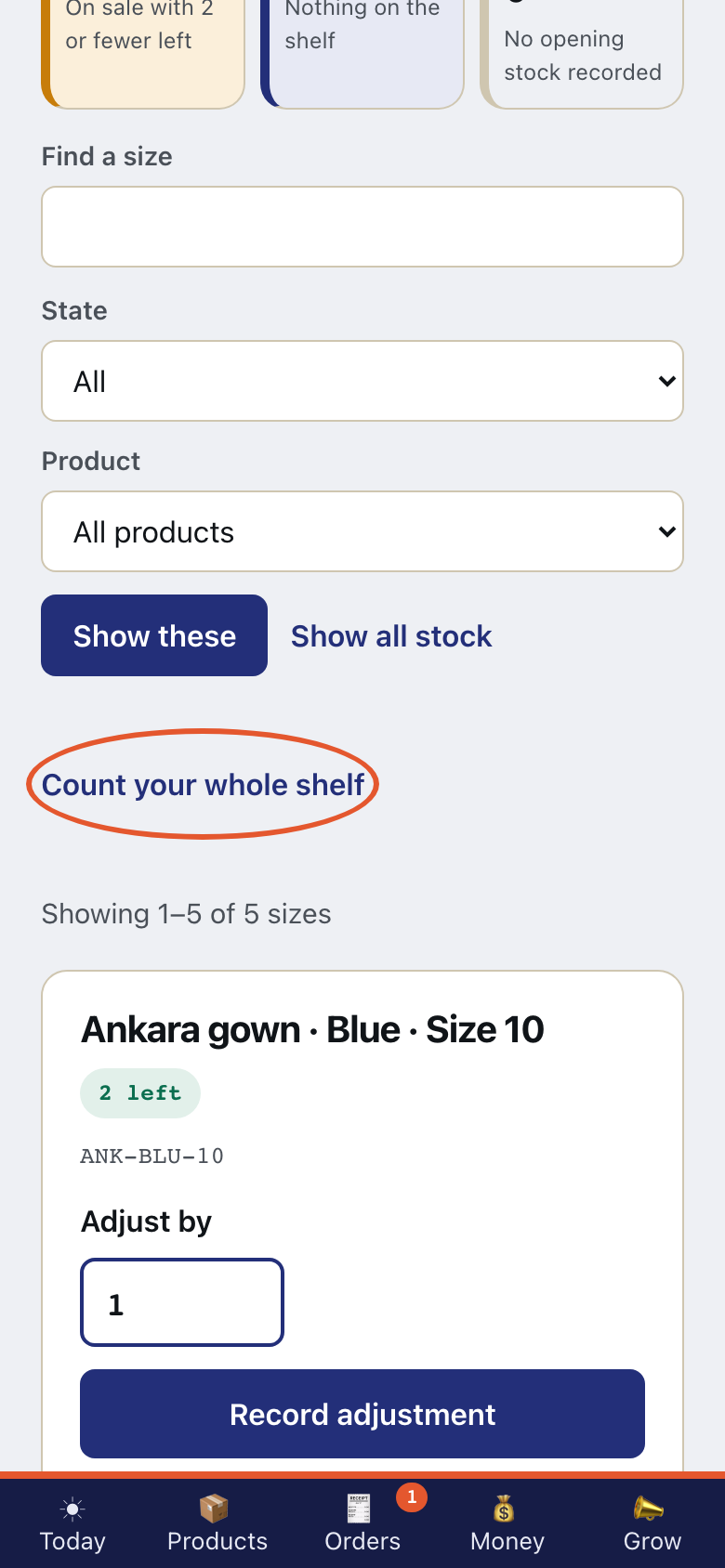
Read the control for the whole shelf. Do not submit it. Counting your whole shelf is part of the Shop plan. Kaya is not taking payment for plans yet.
- Step 3
Read what your stock is worth. What your goods are worth is part of the Shop plan. Kaya is not taking payment for plans yet.
- Step 4
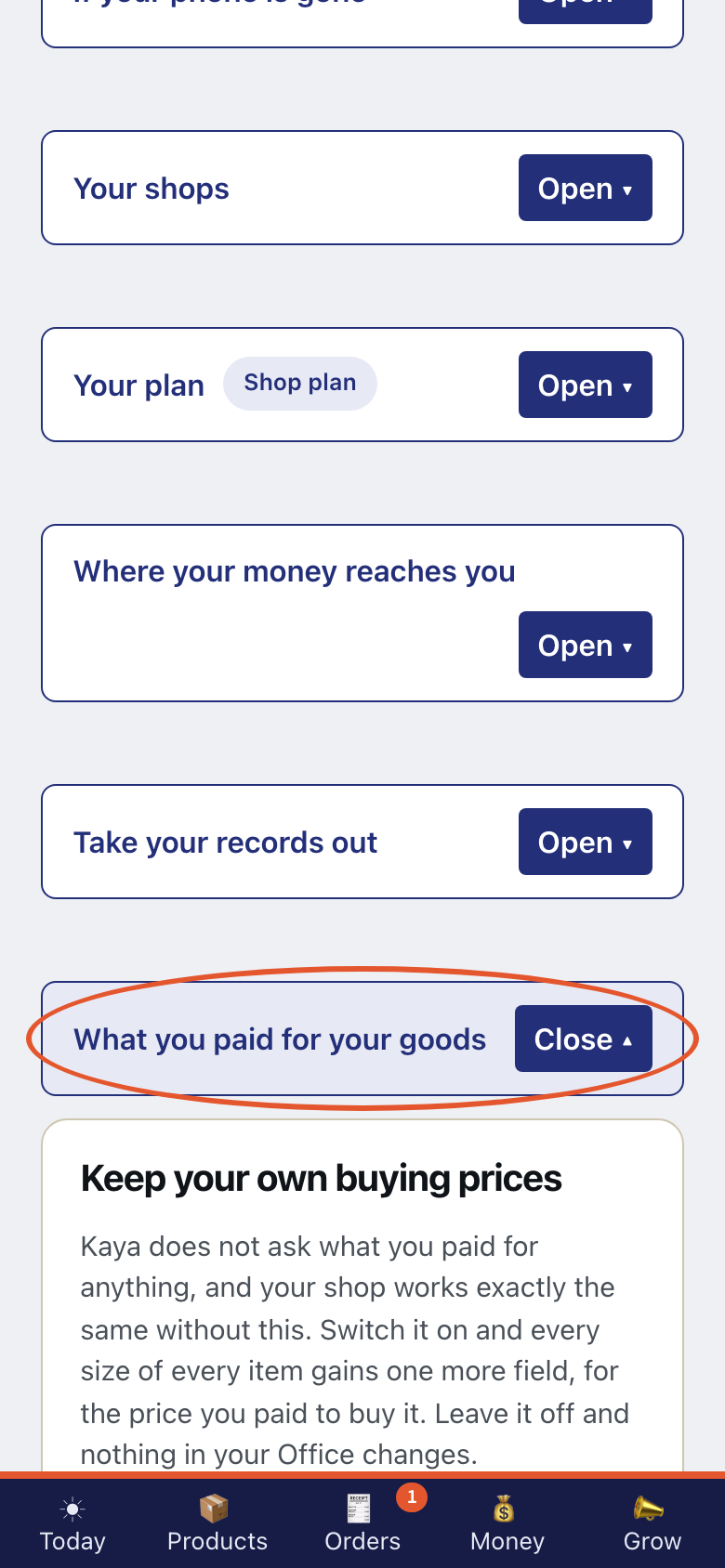
Open Settings. Open What you paid for your goods. Stock worth needs these buying prices.
- Step 5
Read How the ledger works. An adjustment adds a new line. It never edits or deletes an old line, so the history stays intact.